User Interface
Program Tree
Create and manage scene programs
The Program Tree lists all programs in your scene.
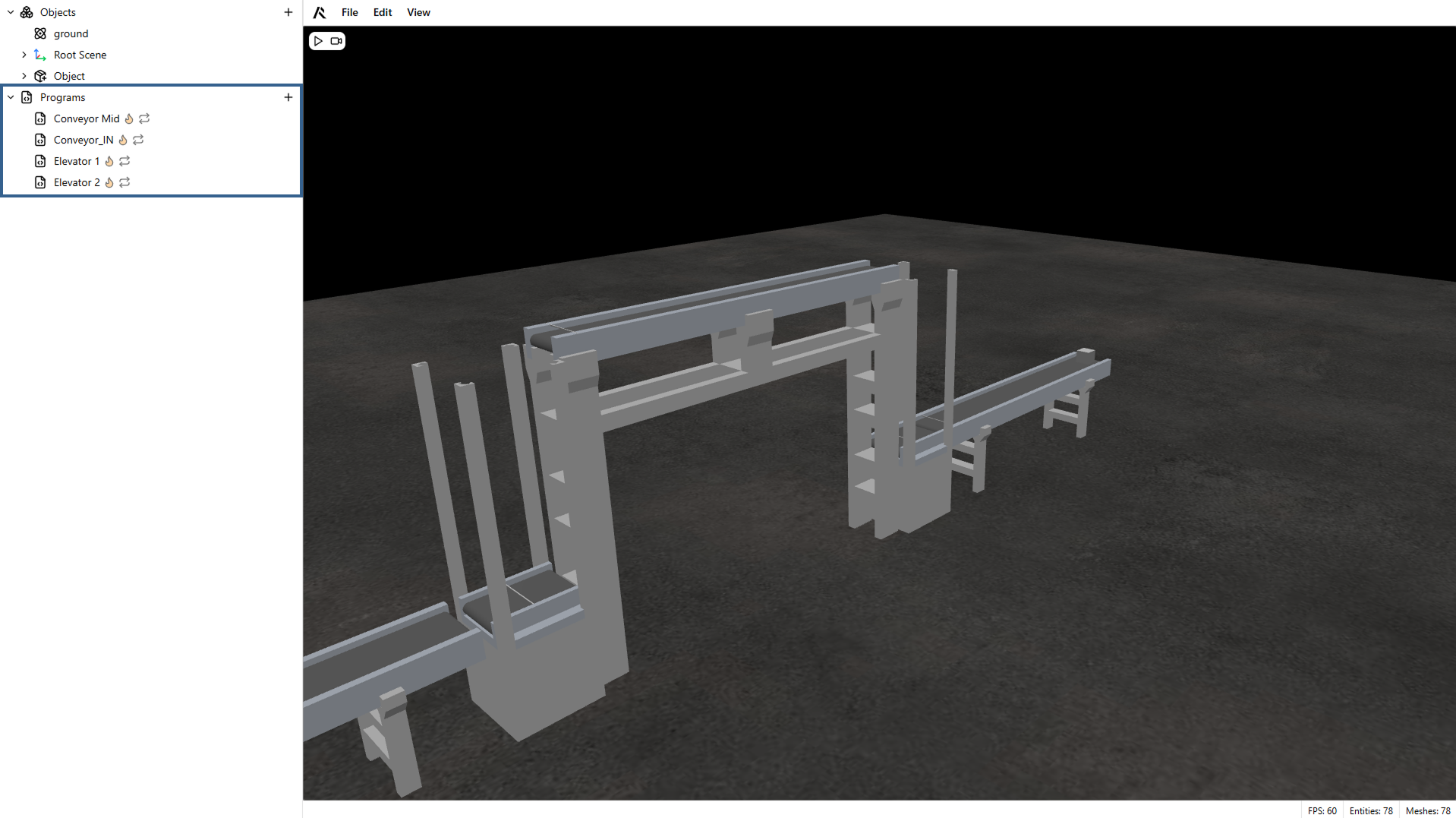
Create programs
Click the + button in the Program Tree to create a new program.
Rename a program
Right-click a program and select Rename.
Delete a program
Right-click a program and select Delete.
Program execution animation
While a program is running, the program tree highlights the current active programs so you can spot issues quickly.
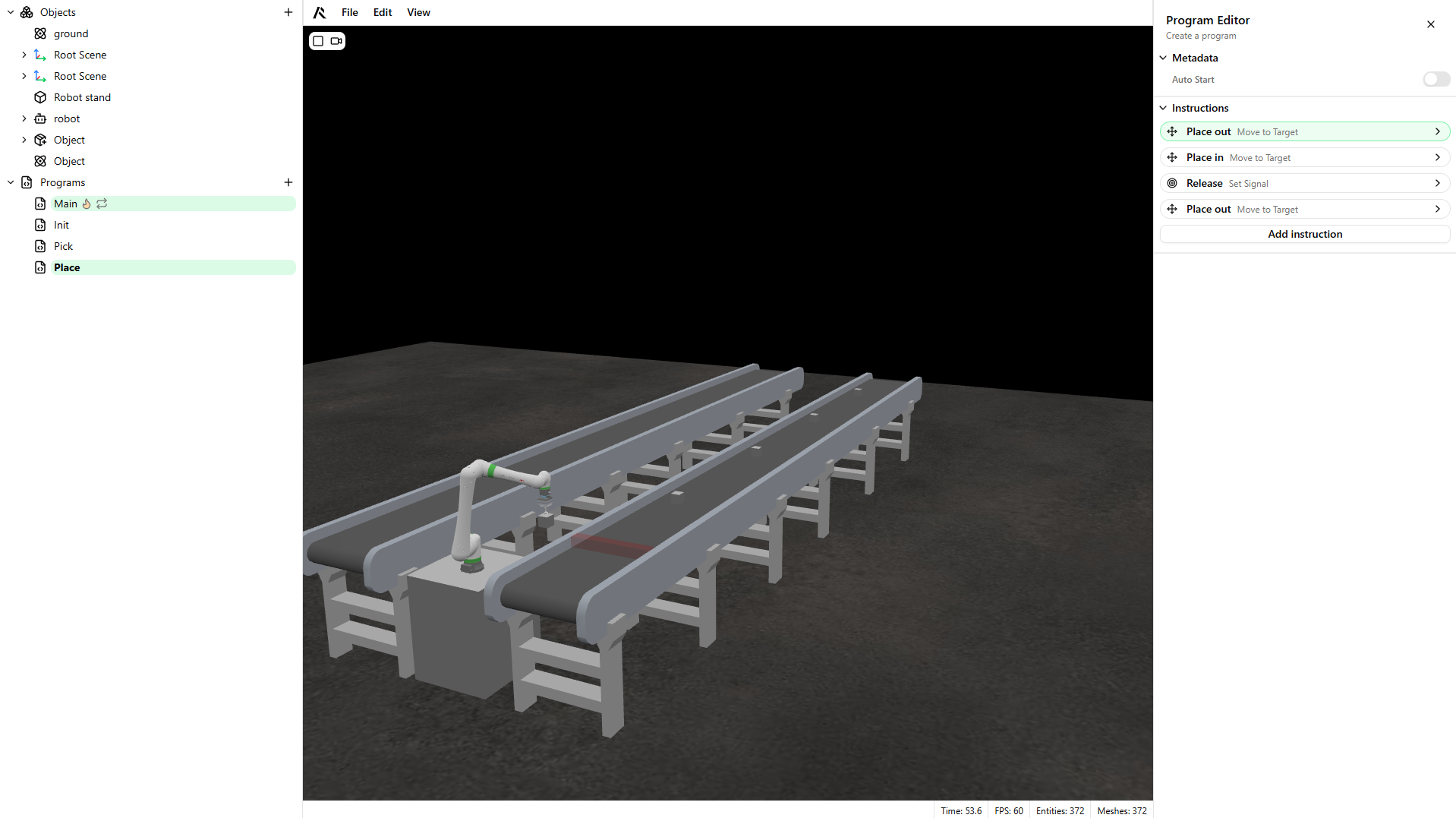
Warning
Set a program to Auto-start if it should run when the simulation begins.