Creating a Proximity Sensor
Step-by-step guide
This guide shows how to create a proximity sensor. Use it to detect parts based on distance between the workpiece and the sensor.
- Import your sensor model.
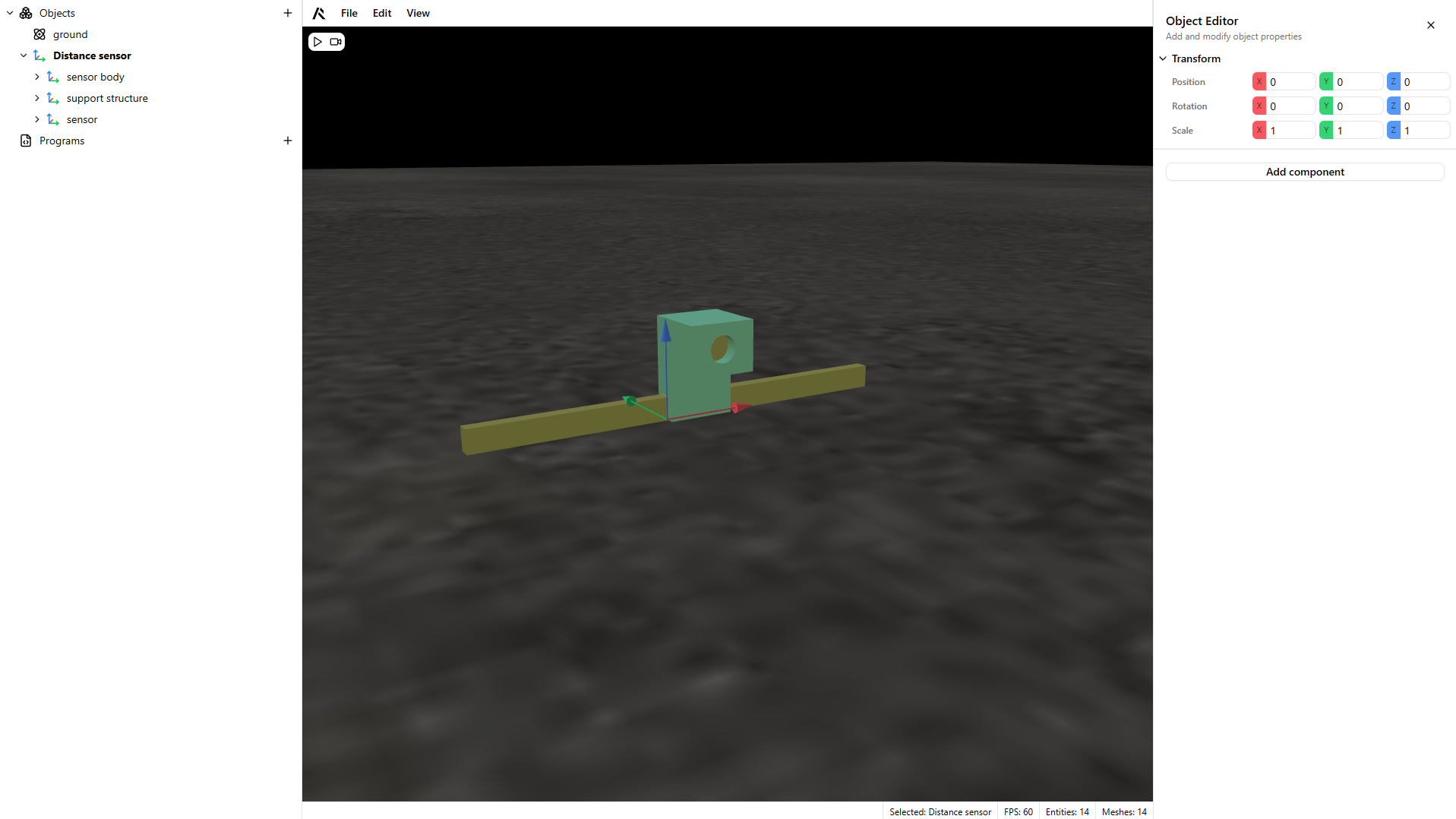
- Select the sensing part of the model.
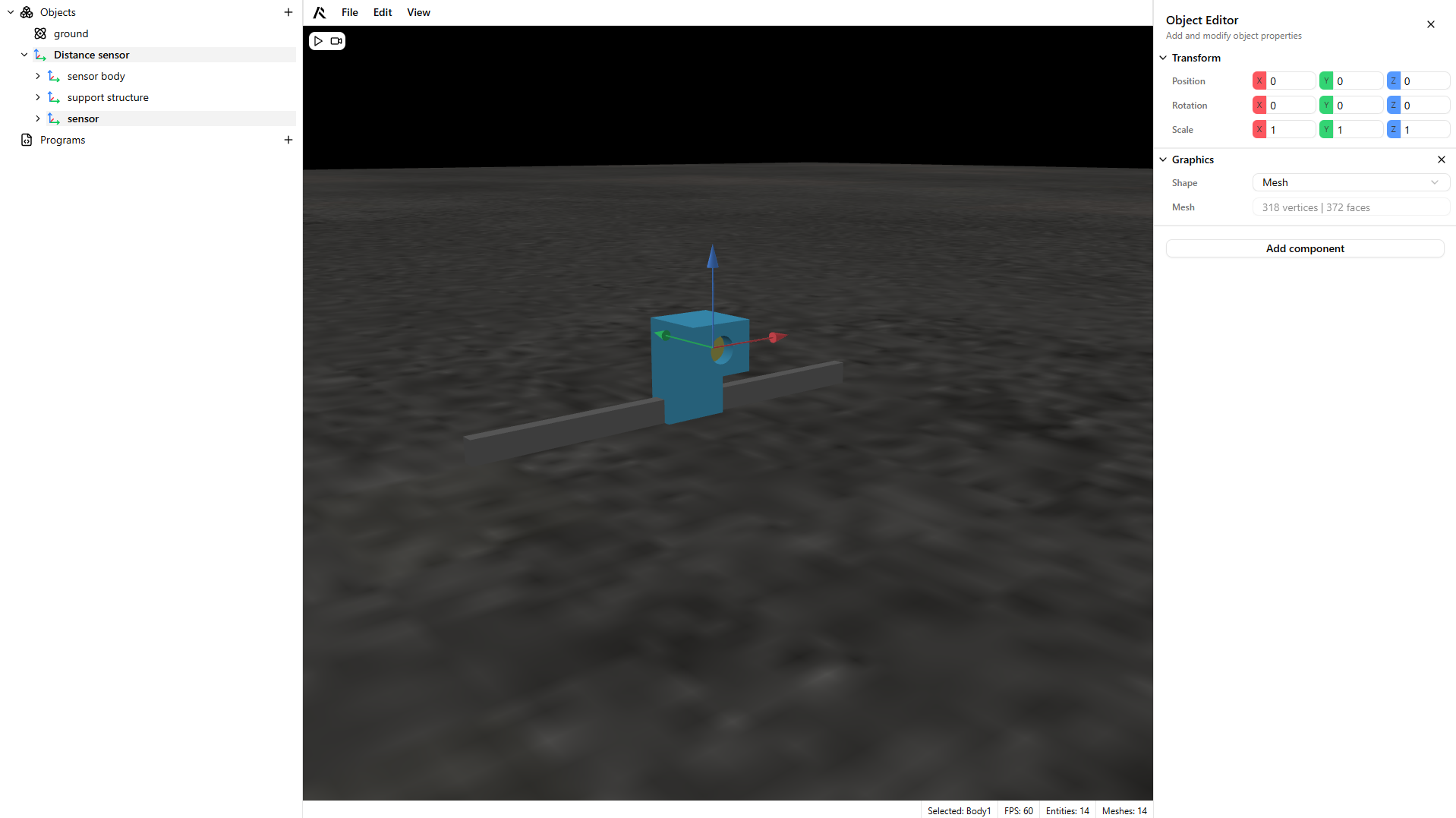
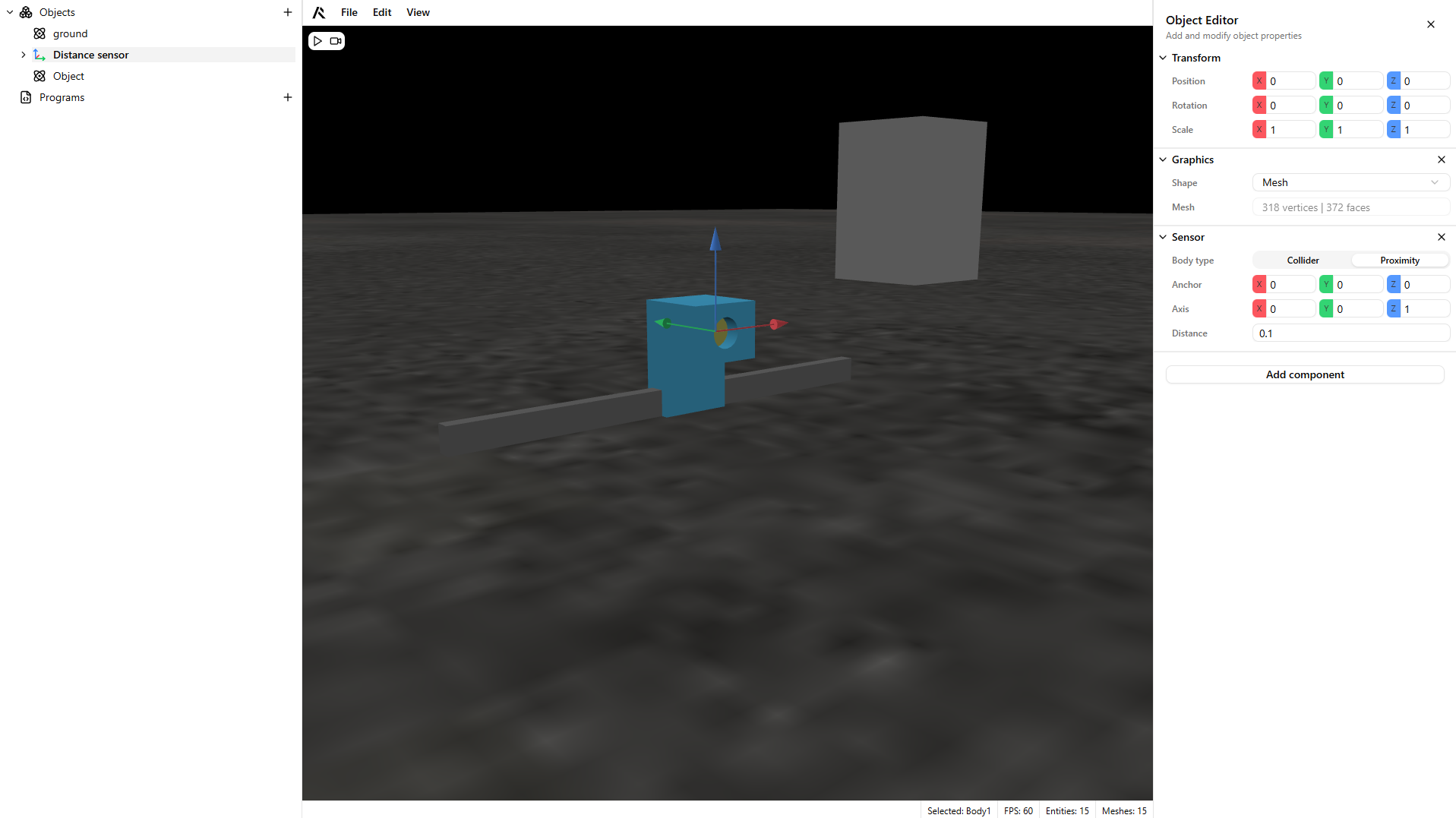
- Add a Sensor component to your object.
Warning
Enable the Proximity sensor toggle.
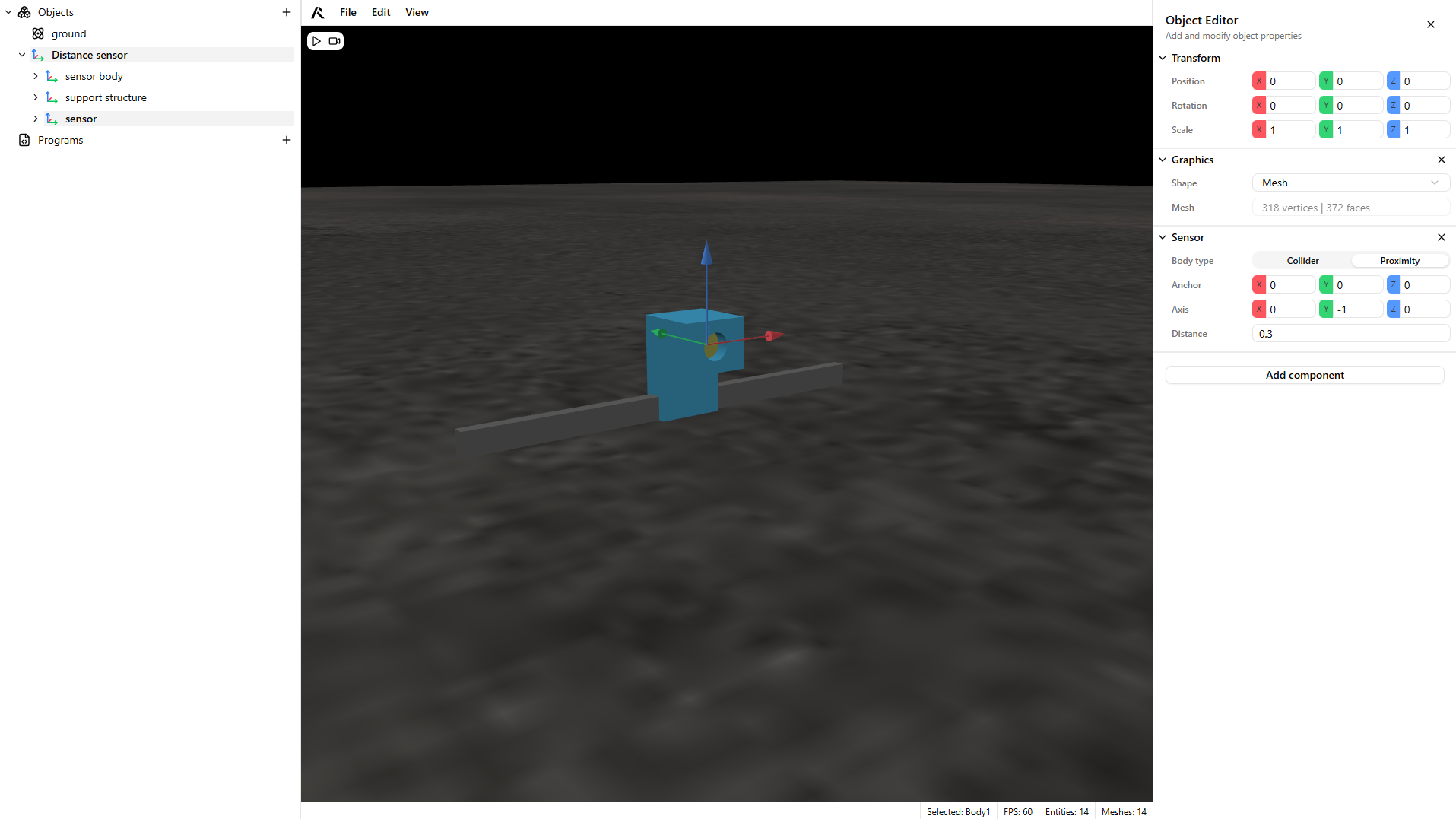
- Configure the sensor's axis and distance.
Warning
The proximity sensor requires three fields:
- Anchor: origin of the sensor
- Axis: the axis used to measure distance
- Distance: the trigger distance limit
- Create a dynamic component to test the sensor's trigger.
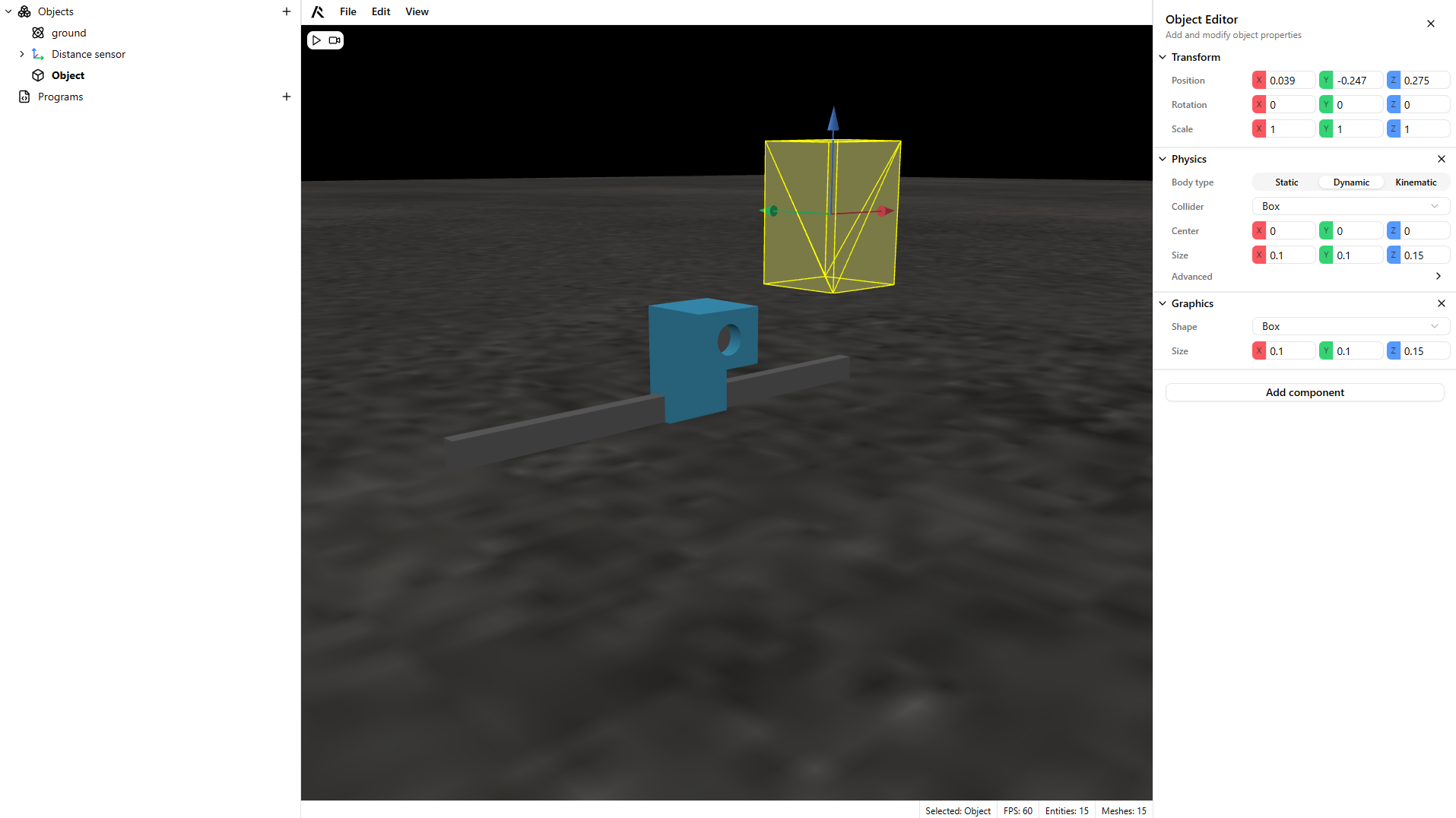
- Add a dynamic part to your scene and play to test the sensor.
Warning
The sensor mesh switches colors based on detection state:
- Green: detecting
- Red: not detecting