Creating a Collision Sensor
Step-by-step guide
This guide shows how to create a simple collision sensor. It is useful for sensor models that include a visual representation of the sensing area.
- Import your sensor model.
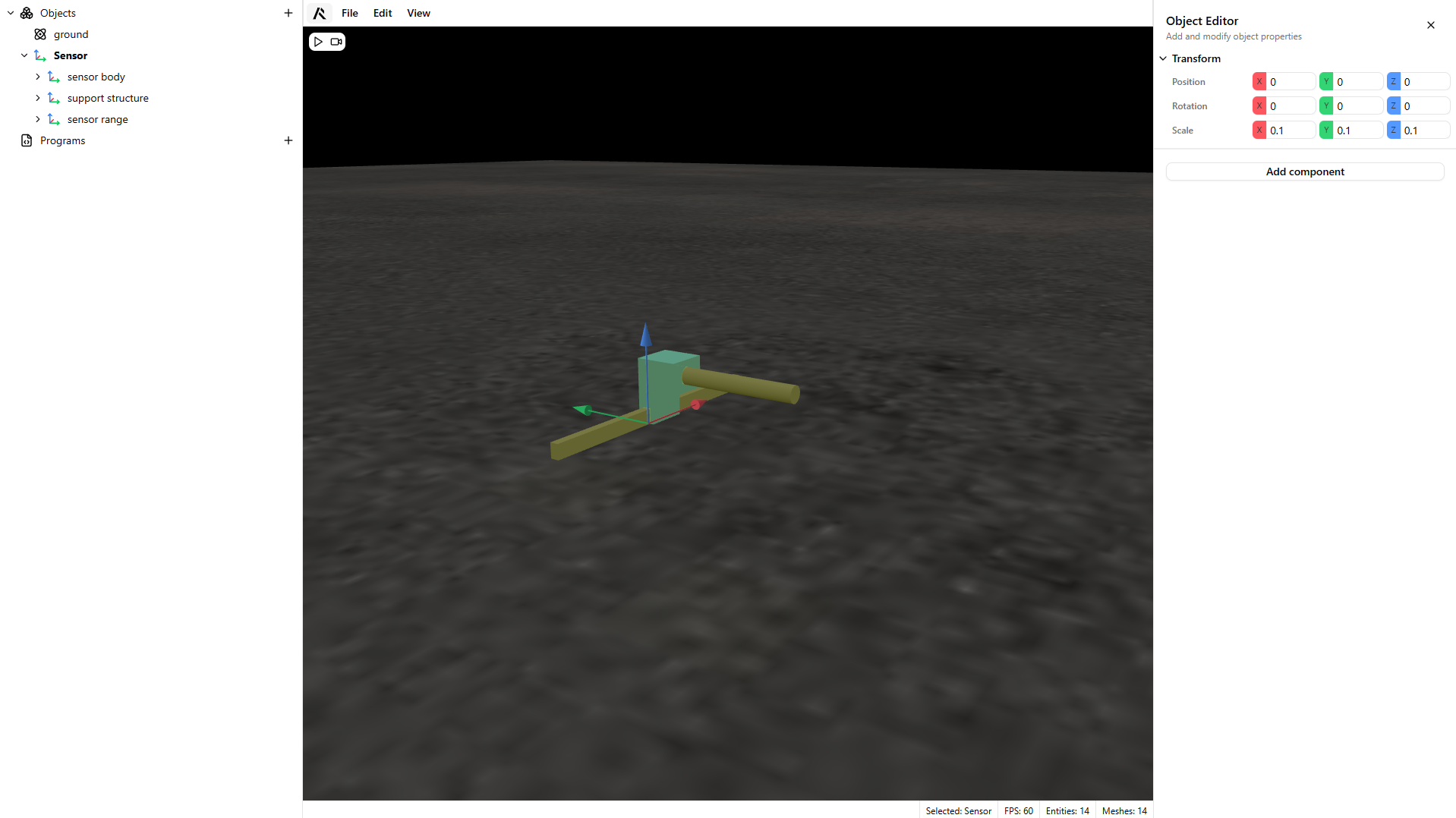
- Select the sensing part of the model.
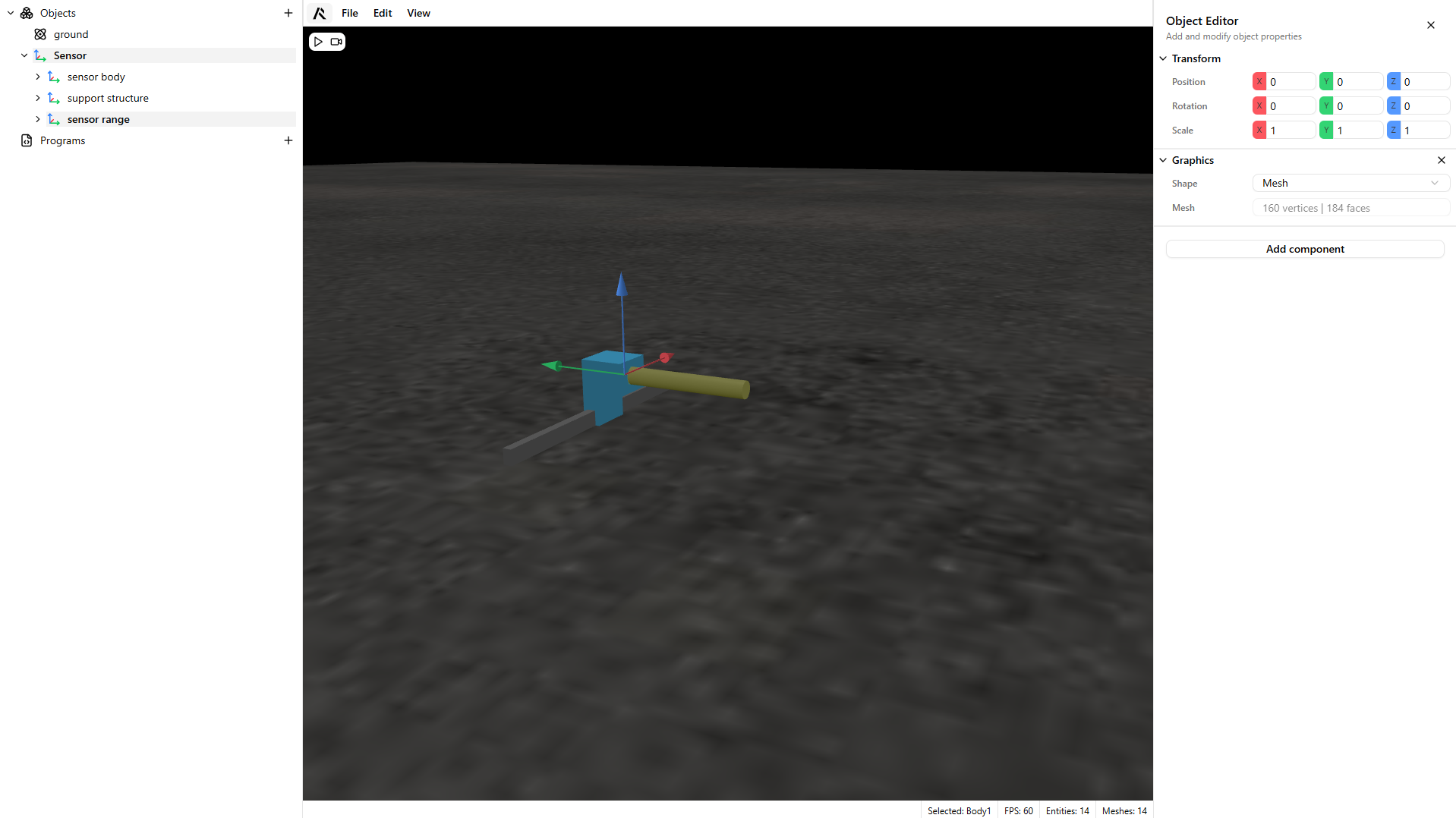
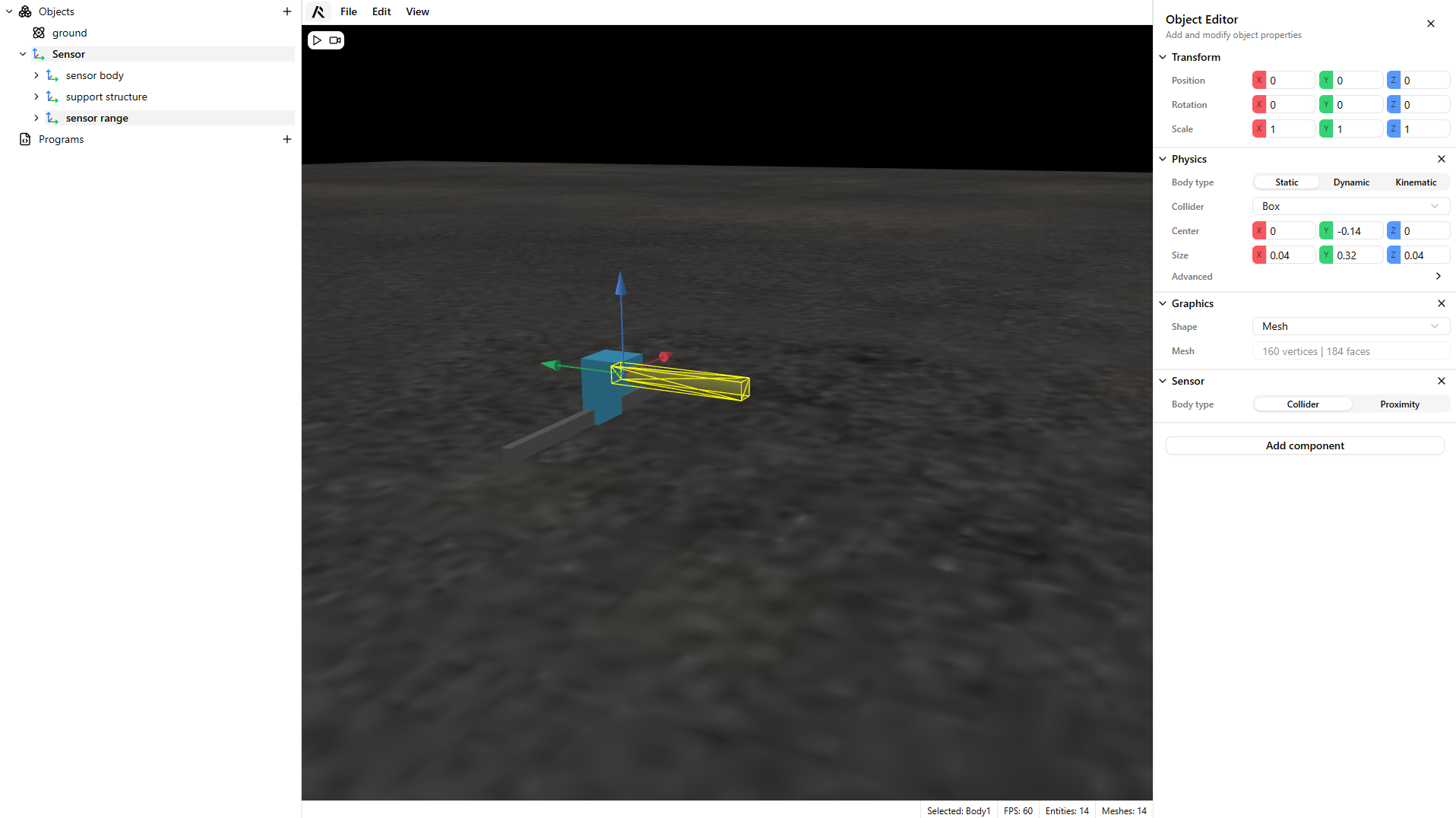
- Add a Physics component to your sensor and configure its collider.
Warning
Use a Static physics body so gravity does not affect it.
You can use a Convex Hull or Box collider. When possible, prefer a Box collider for better performance.
- Add a Sensor component to your model.
Warning
A Collider-type sensor overrides the collider of its own body. No additional configuration is required.
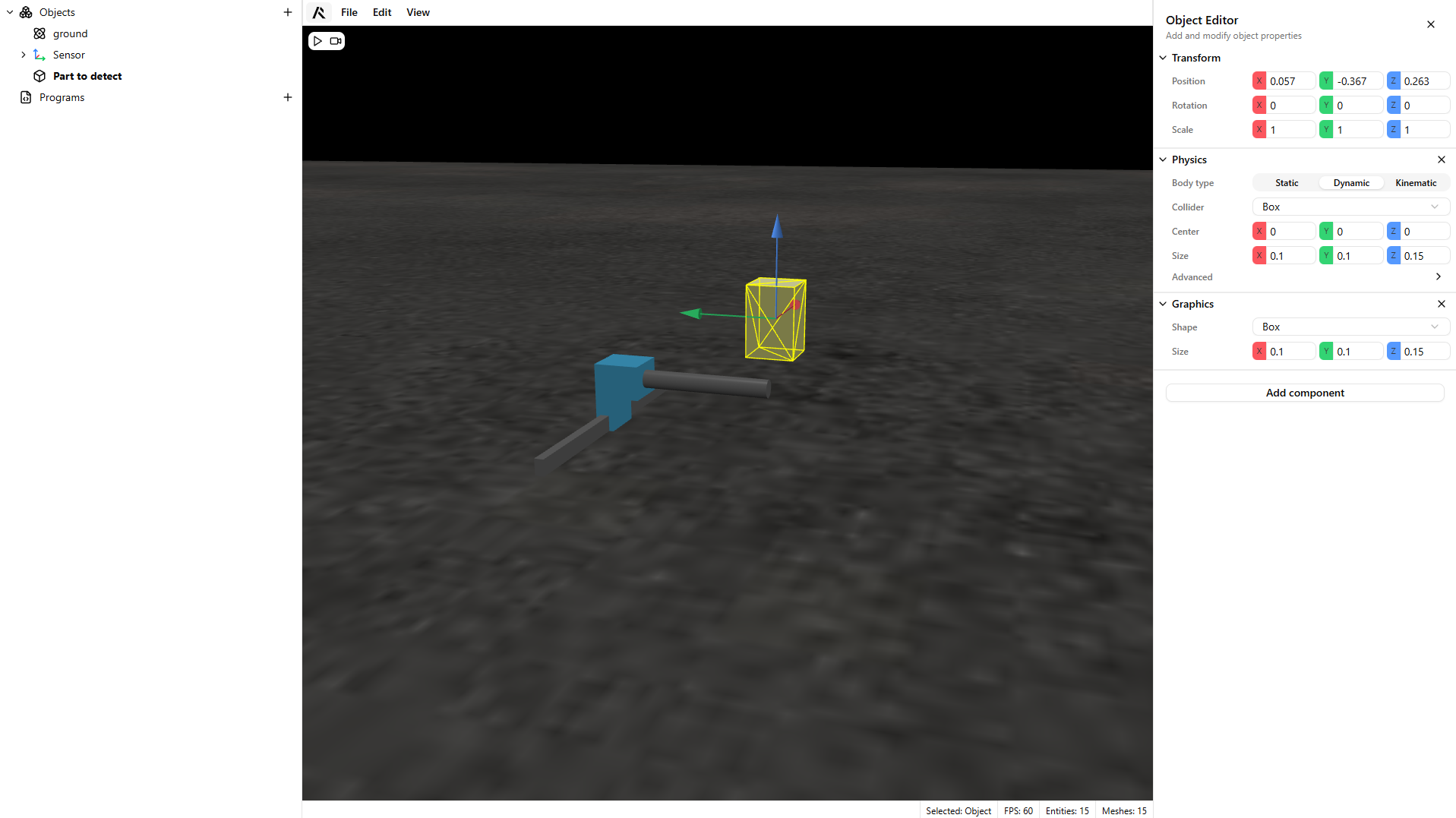
- Create a dynamic component slightly above the sensor to test detection.
- Play your scene.
Warning
The sensor mesh switches colors based on detection state:
- Green: detecting
- Red: not detecting