Creating a Conveyor
Step-by-step guide
This guide shows how to create a simple linear conveyor to move workpieces between workstations.
- Import your conveyor model.
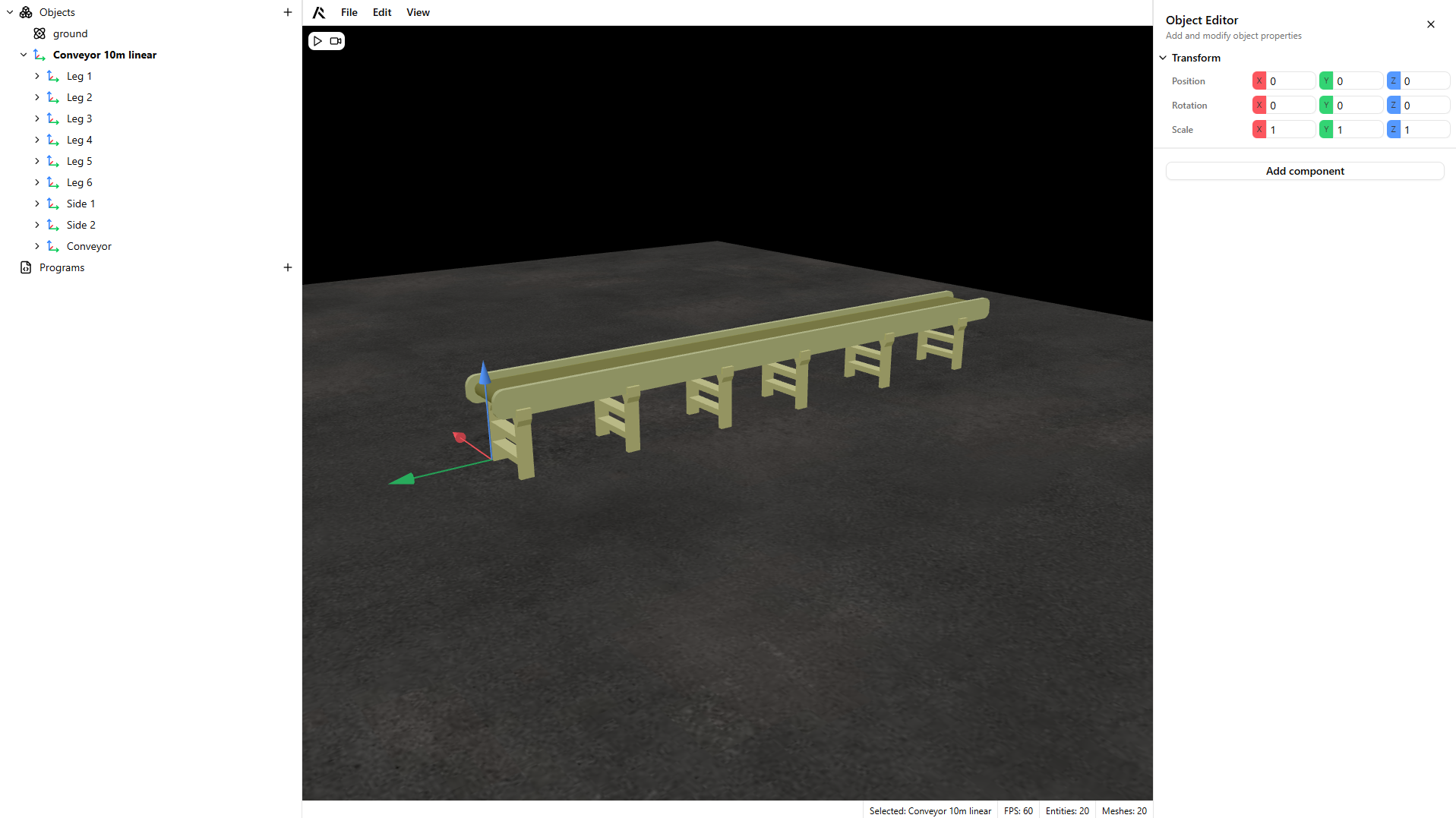
- Select the moving conveyor part of your model.
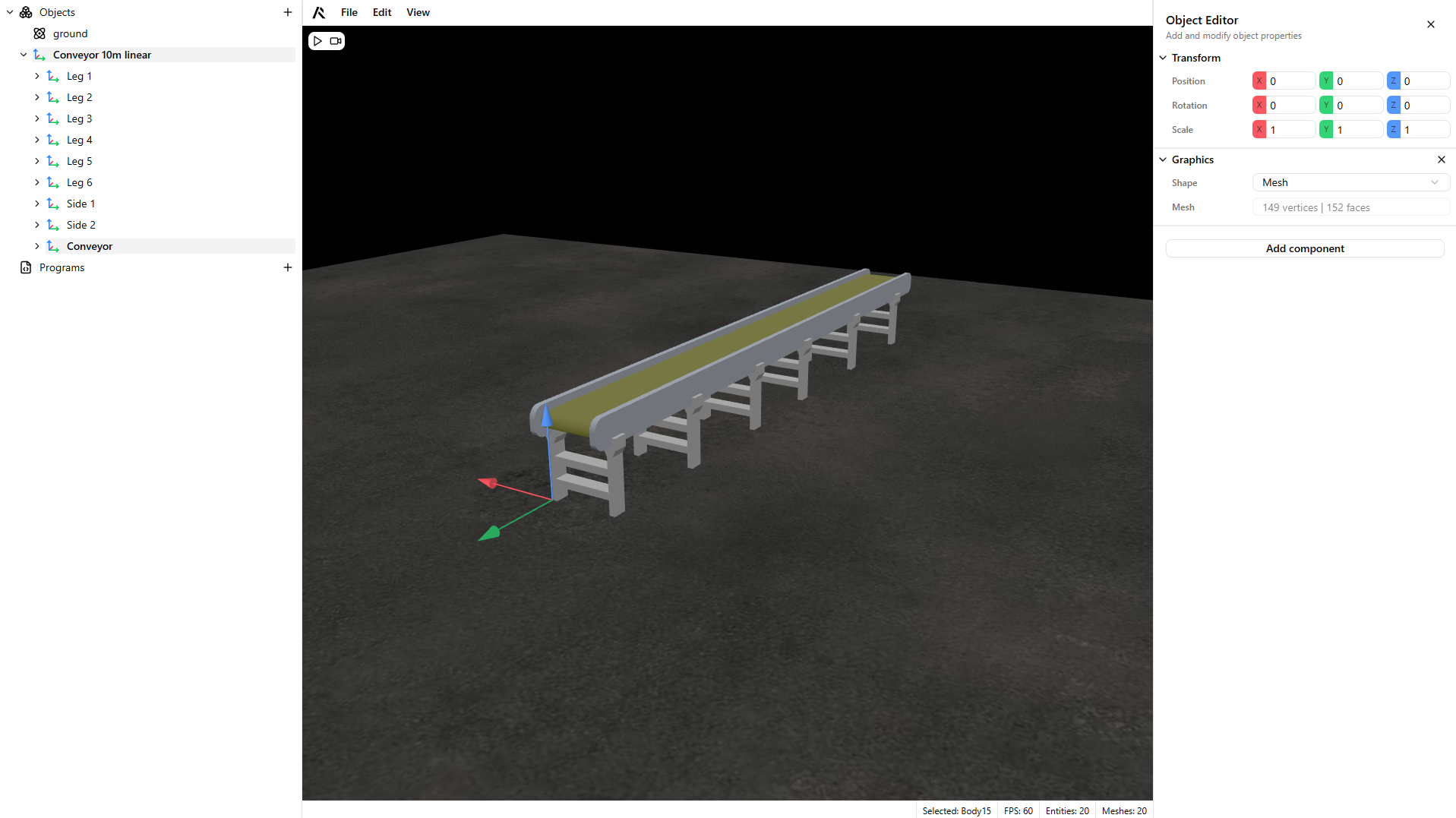
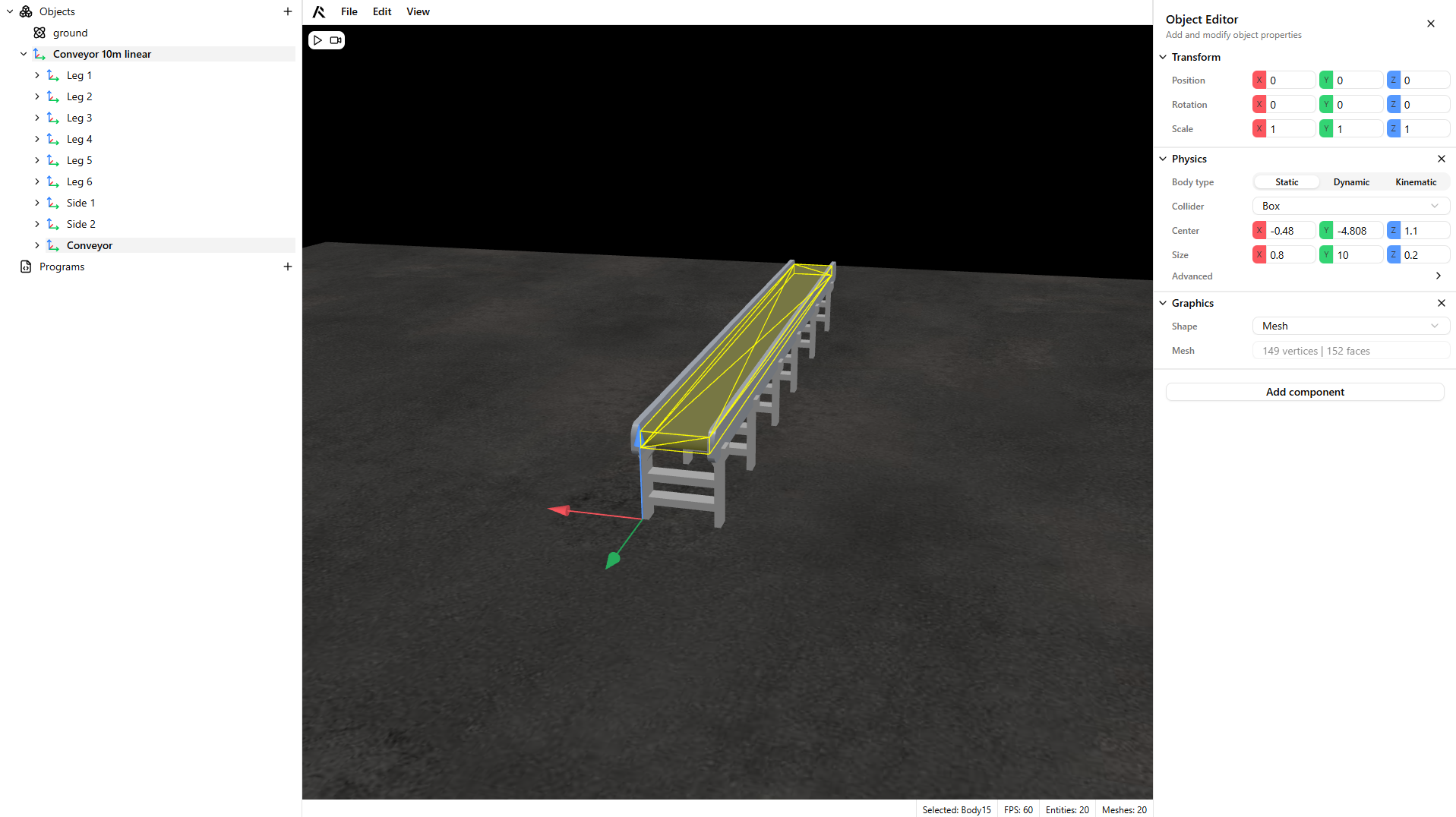
- Add a Physics component to your conveyor and configure it.
Warning
Conveyors should be Static, since they are not subject to gravity.
For collisions, use a Convex Hull or Box collider. When possible, prefer a Box collider for best performance.
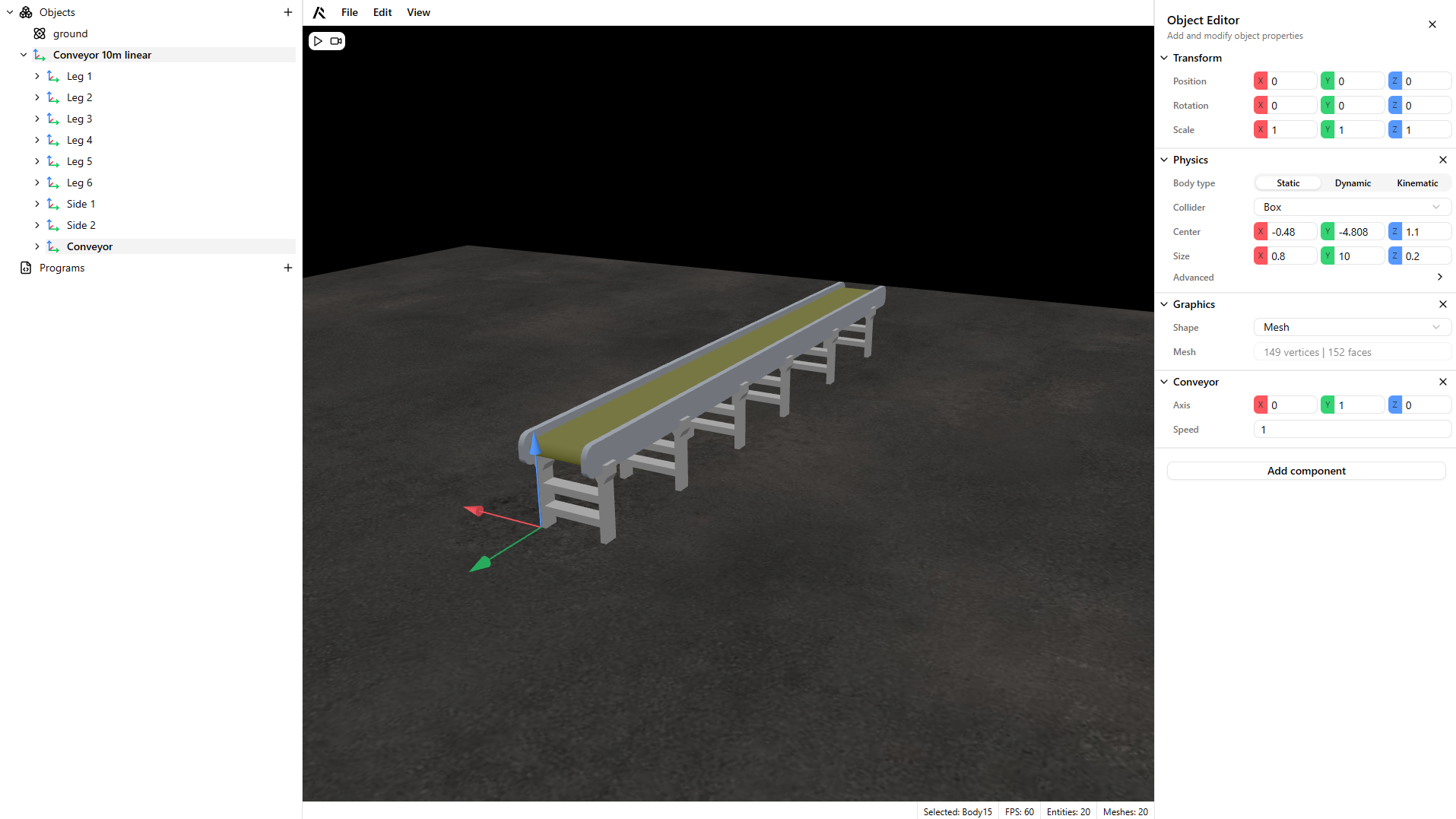
- Add a Conveyor component and configure the speed and axis.
- Create a dynamic component to be transported by the conveyor.
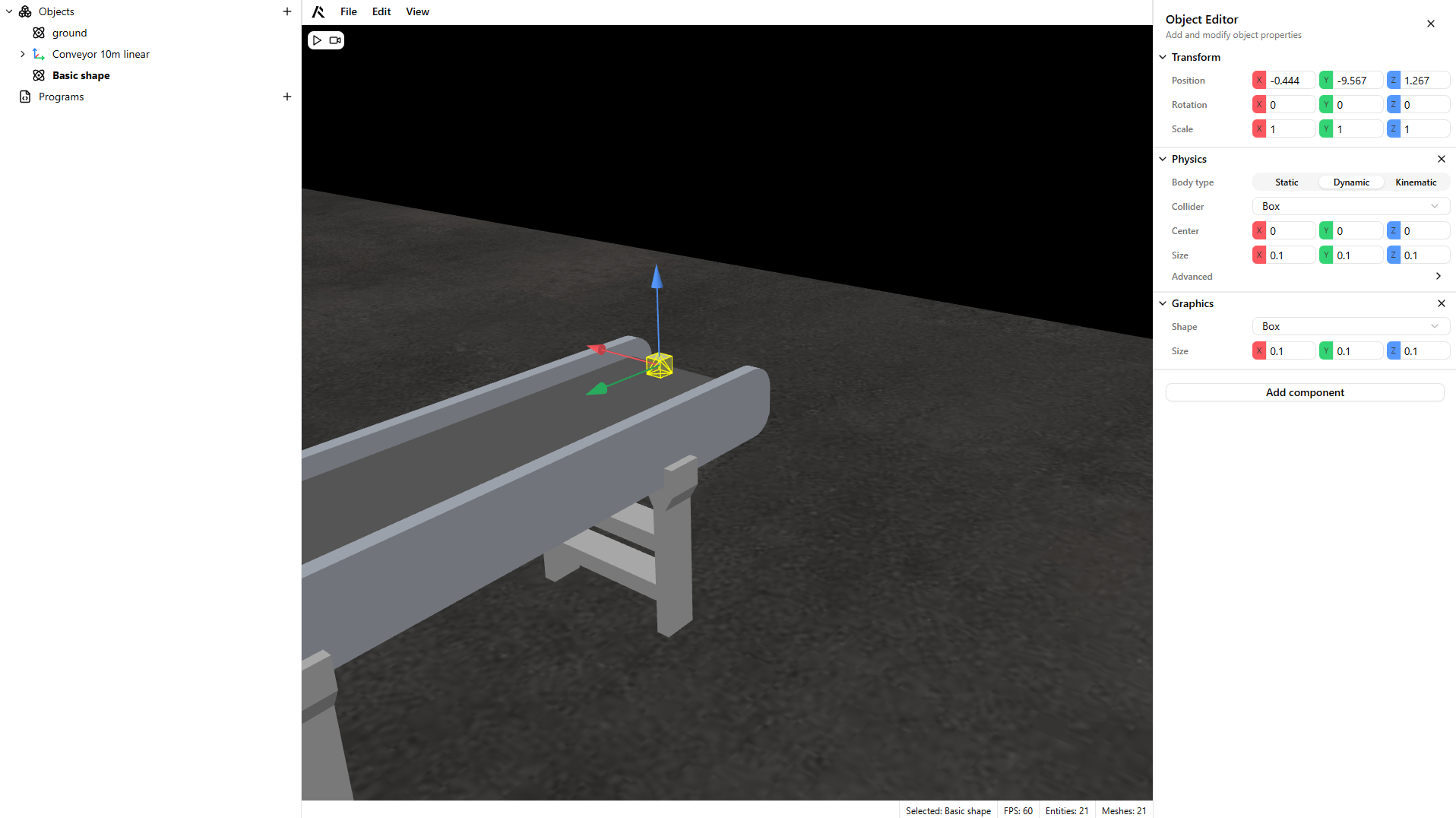
- Click play to test your conveyor.
Warning
By default, the Conveyor component is on. You can control it with programs by switching the conveyor state signal on or off.