Creating a 6-Axis Robot
Step-by-step guide
This guide shows how to create a 6-axis collaborative robot (FANUC) for simulating different applications.
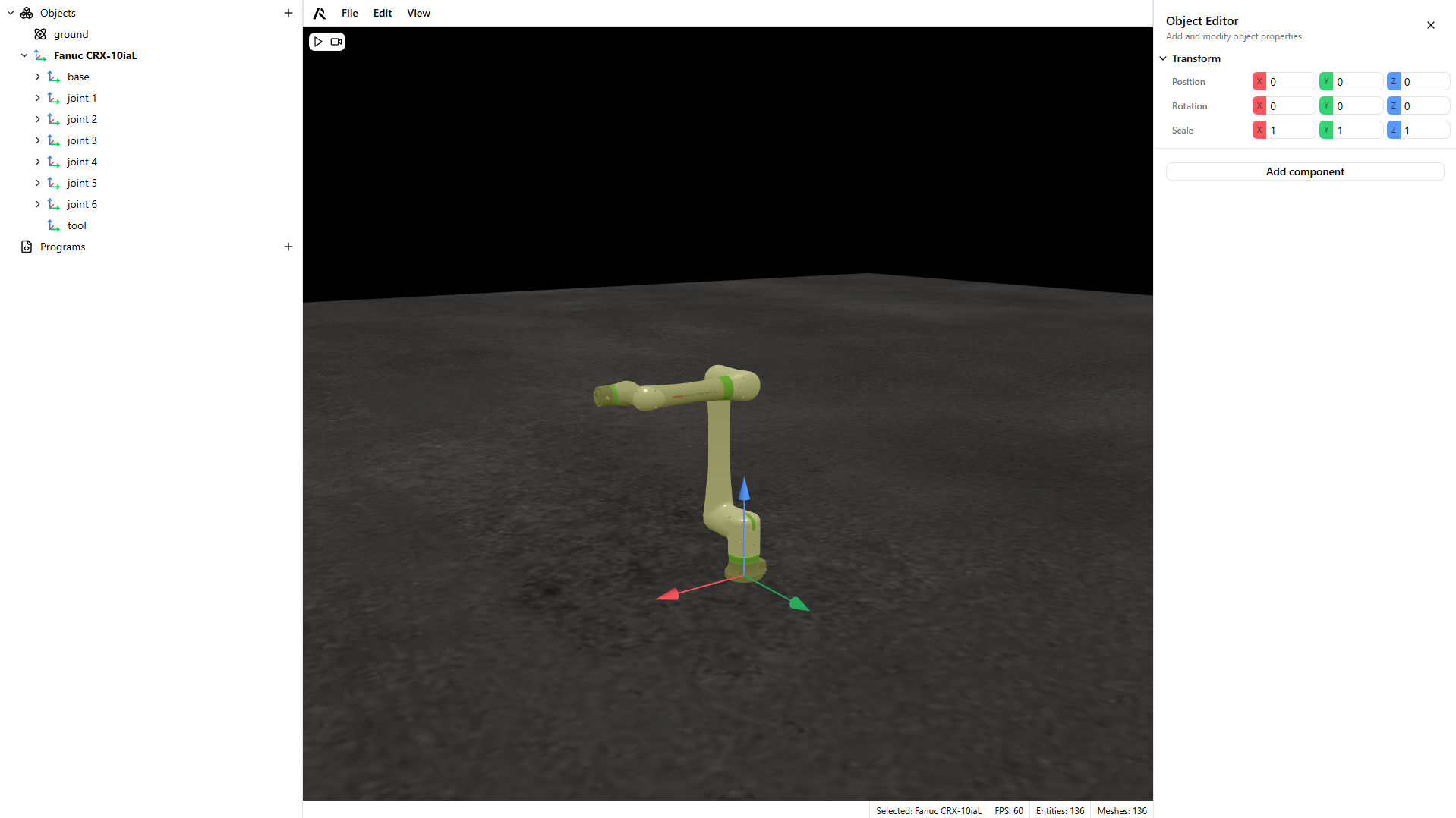
- Separate your model into fixed and moving parts, as shown below.
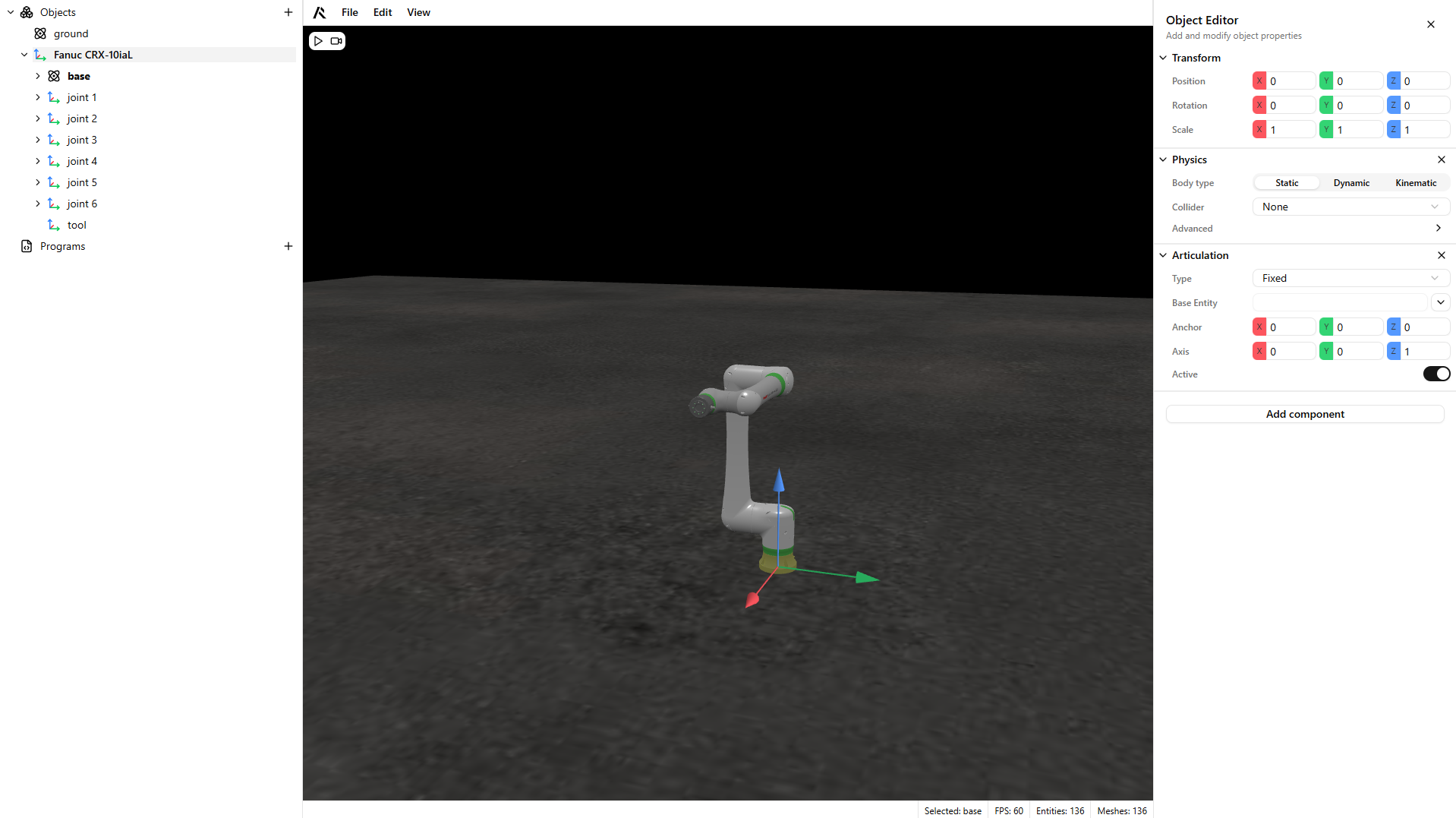
- Add a Physics component and an Articulation component to each chain part.
Warning
Set the Physics component to Dynamic. Only the base articulation should be Static so gravity does not affect that joint and the articulation remains stable.
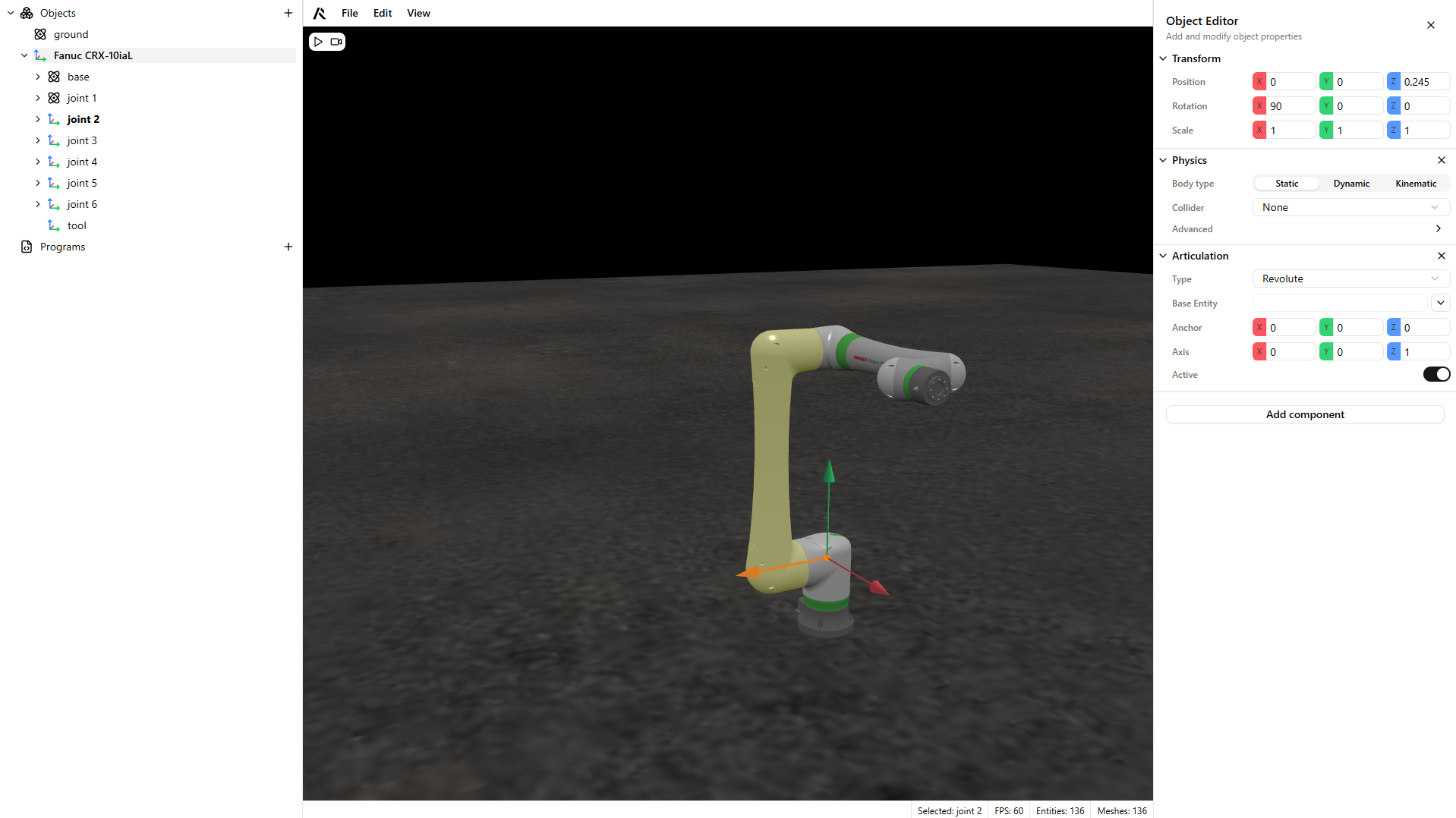
- Configure the articulation type, anchor, and actuation axis.
Warning
The anchor setting is critical. Torque is applied around that point.
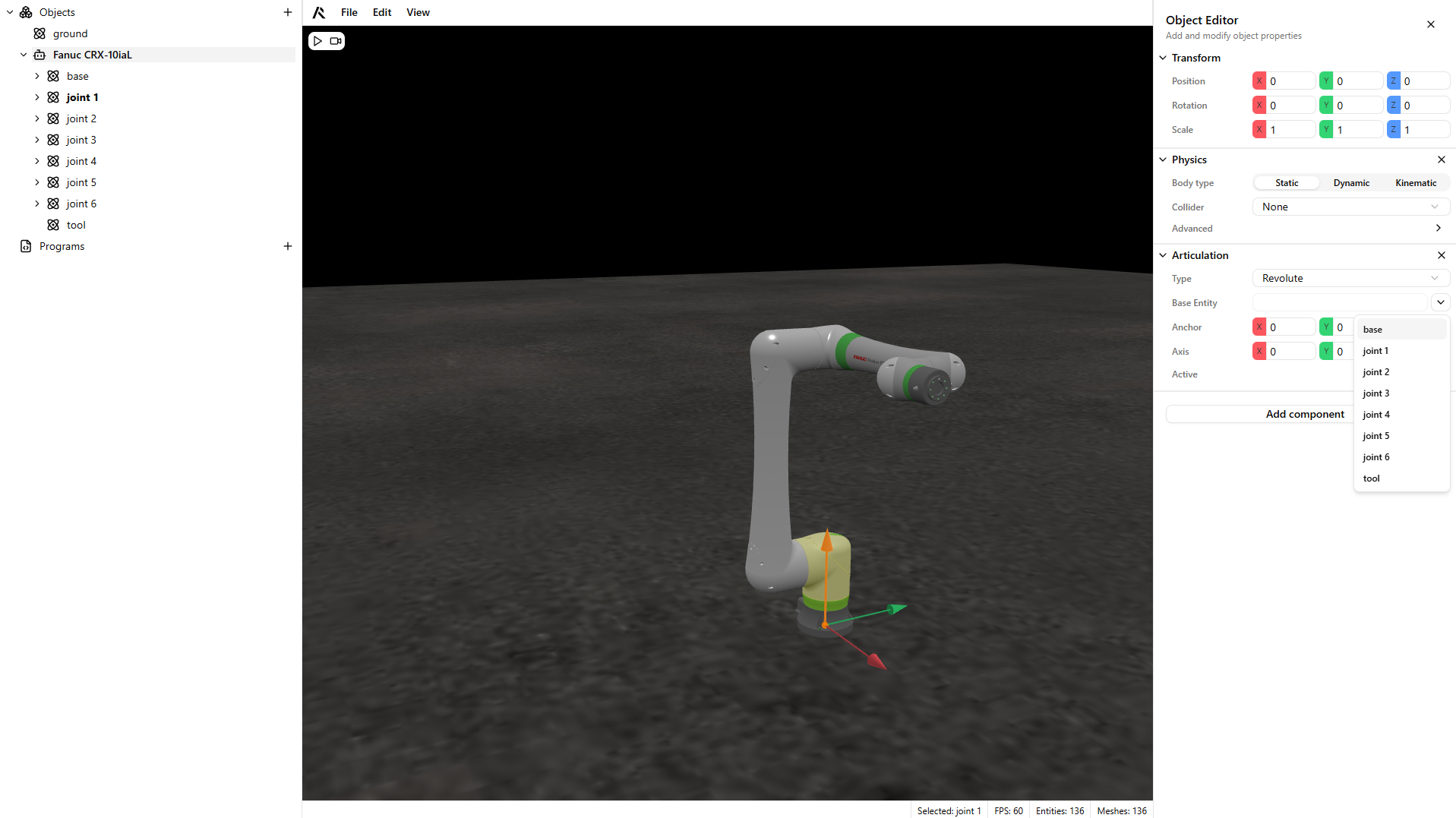
- Configure your articulated chain.
Warning
The system supports serial chains and parallel chains connected by serial chains. Keep this in mind when building the chain.
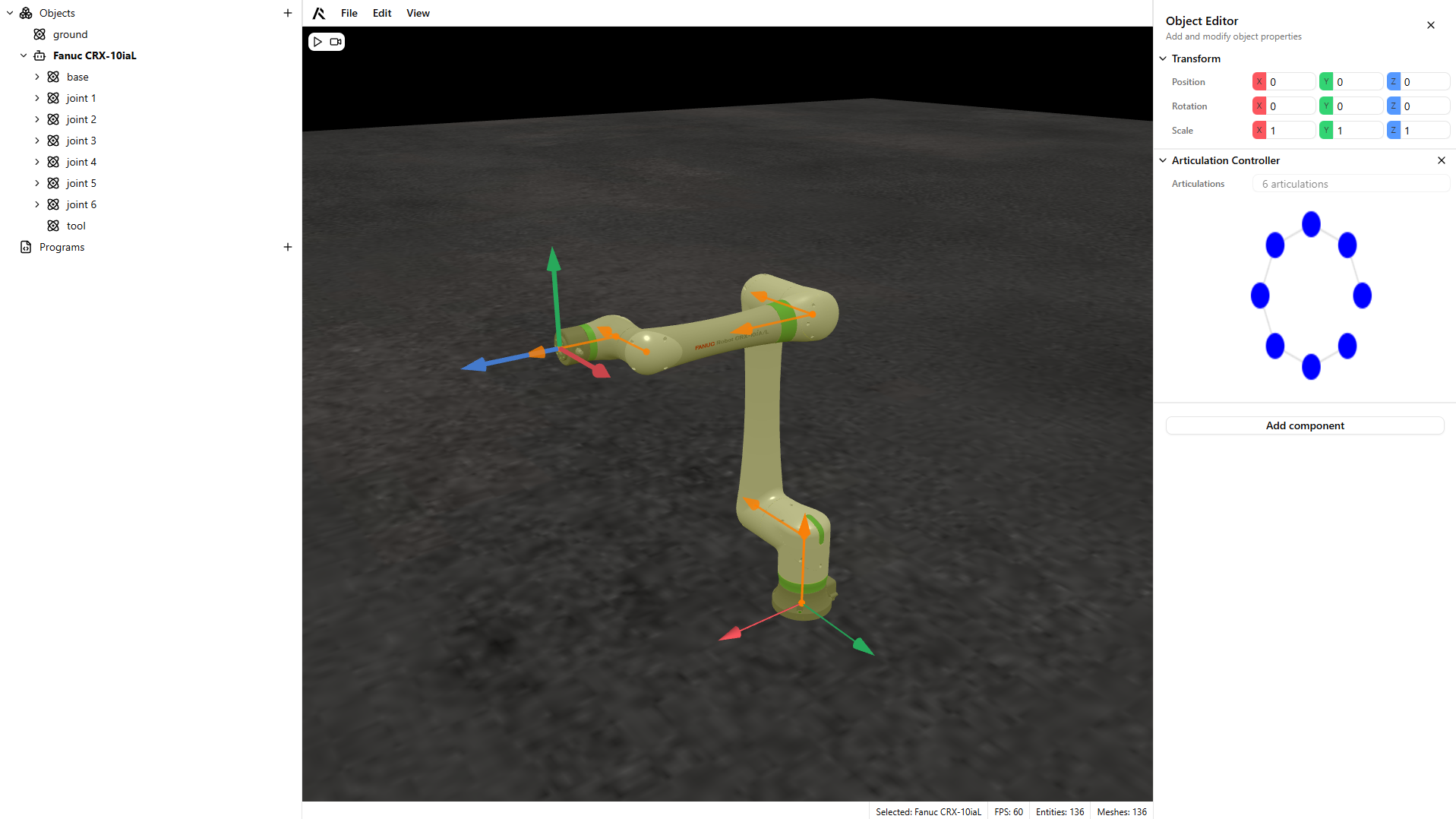
- Add an Articulation Controller to the articulation parent so you can control it programmatically.
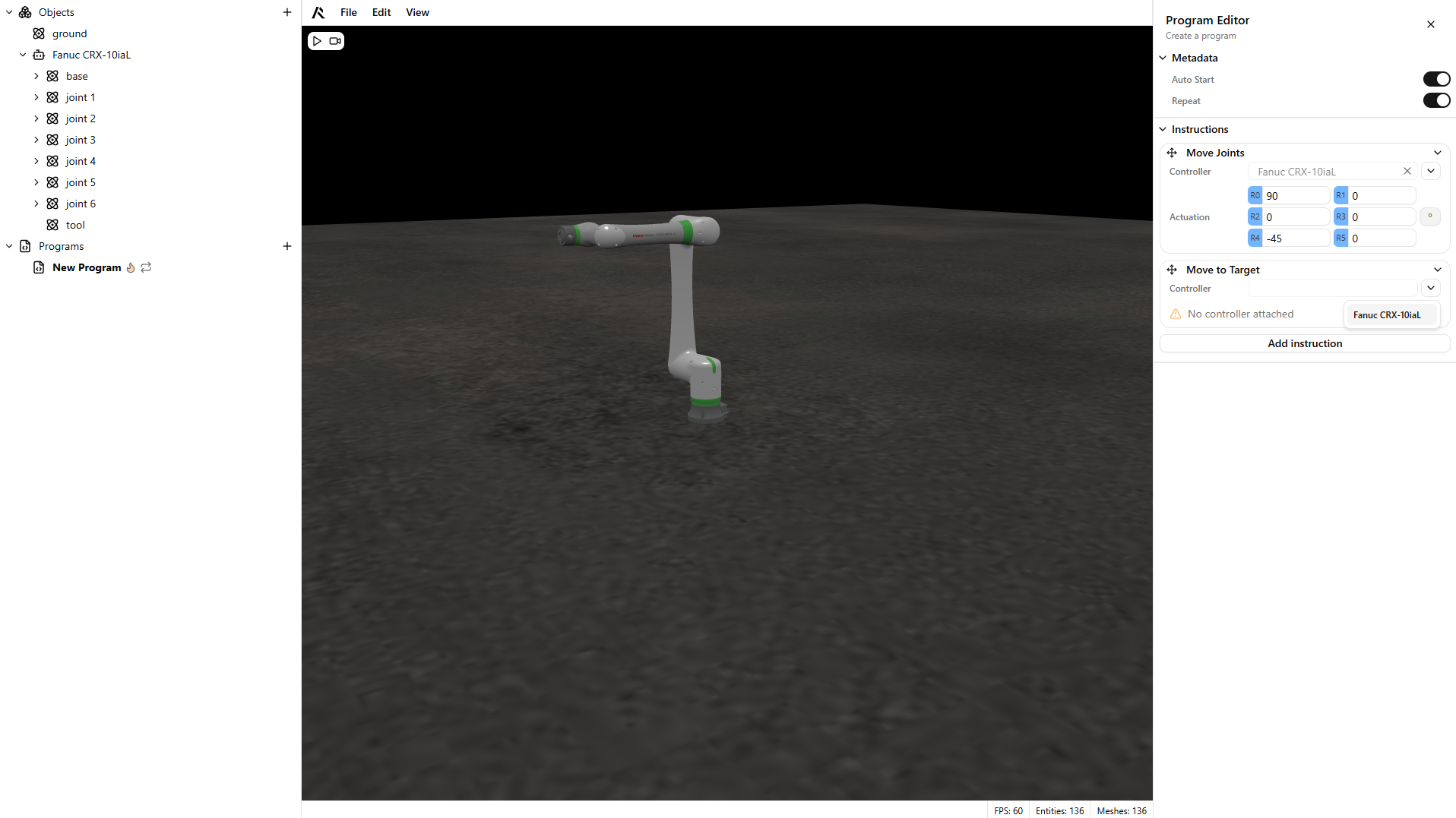
- Create a program and run it to test the articulation.
Warning
Set the program to Auto-start if it should run when the simulation begins.