Connectivity
MQTT (Experimental)
Connect ROBOTICA Studio to external systems through MQTT
MQTT Connectivity lets you connect ROBOTICA Studio to external applications and devices for monitoring and control.
MQTT is configured in Settings.
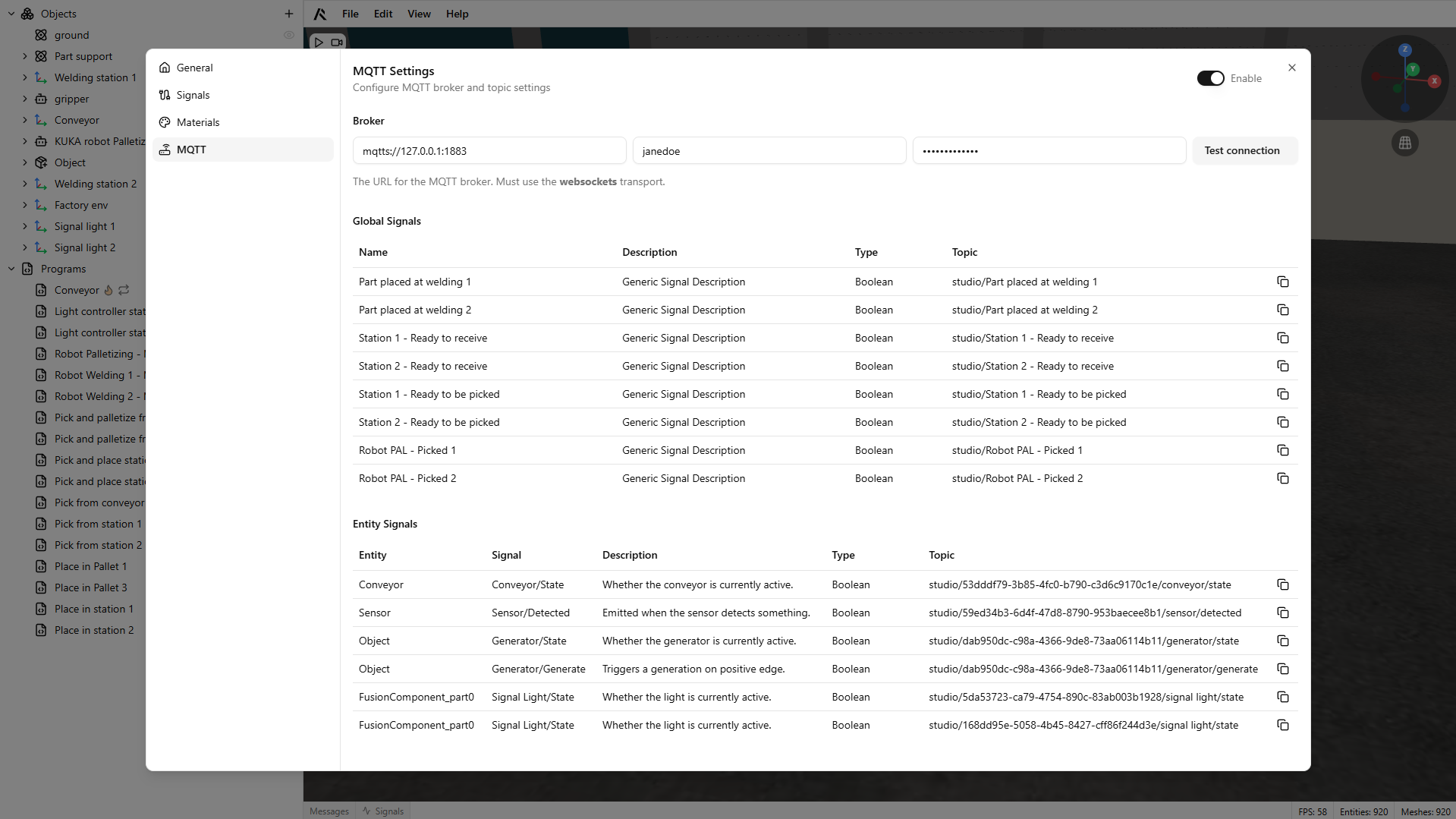
Connecting to a broker
- Open Settings and enable MQTT using the toggle in the upper-right corner.
- Enter the broker address, username, and password.
- Connect to the broker.
Reading and writing simulation signals
Component signals are exposed as MQTT topics:
- Subscribe to output topics to read simulation state.
- Publish to input topics to control simulation behavior.
Each component instance has a unique topic path, and signal values are updated every simulation cycle.
To integrate an external device, map its MQTT topics to the corresponding simulation input/output topics.