Graphics
Add visual meshes to objects with the graphics component
The graphics component provides your object with a graphical mesh.
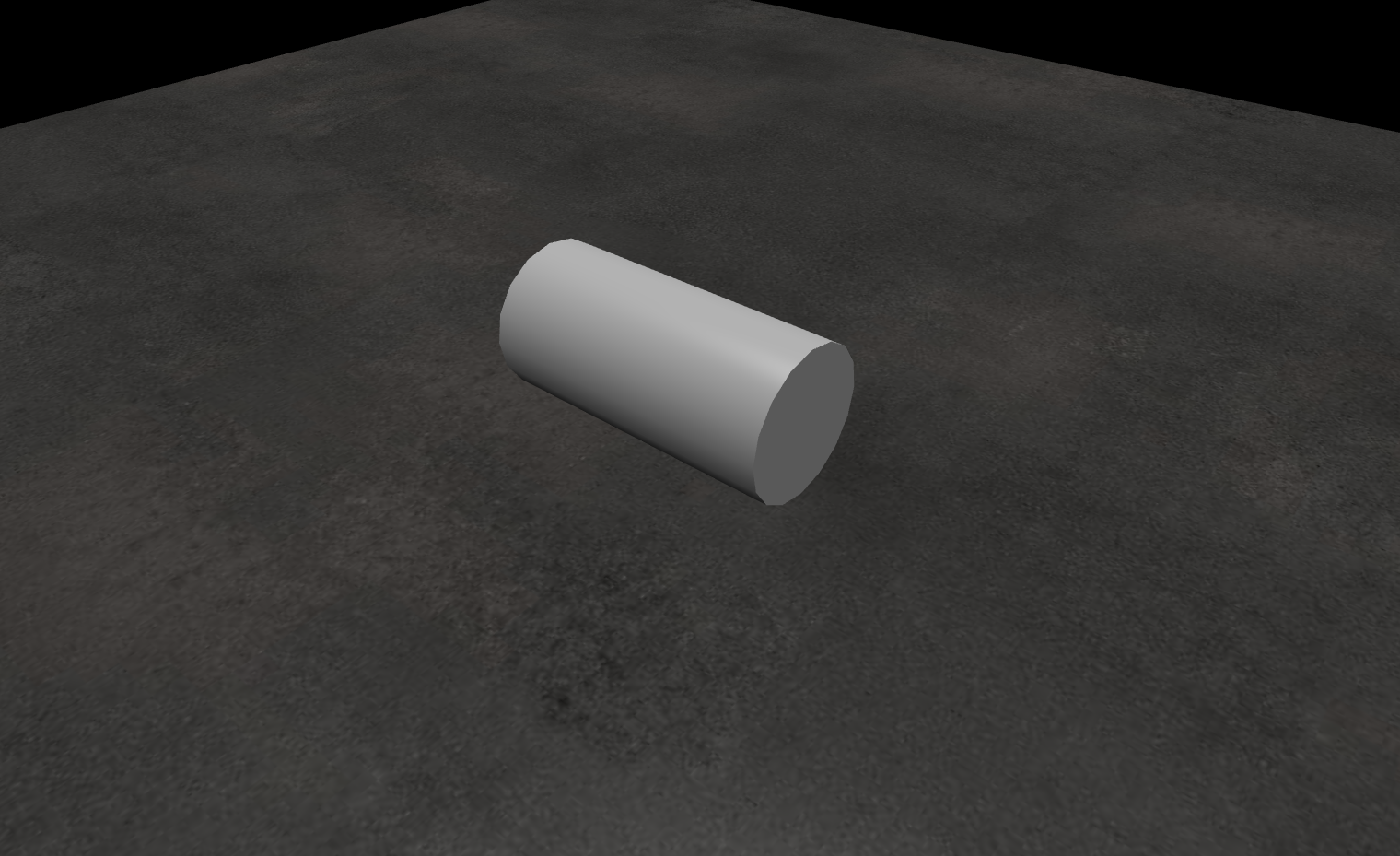
Properties
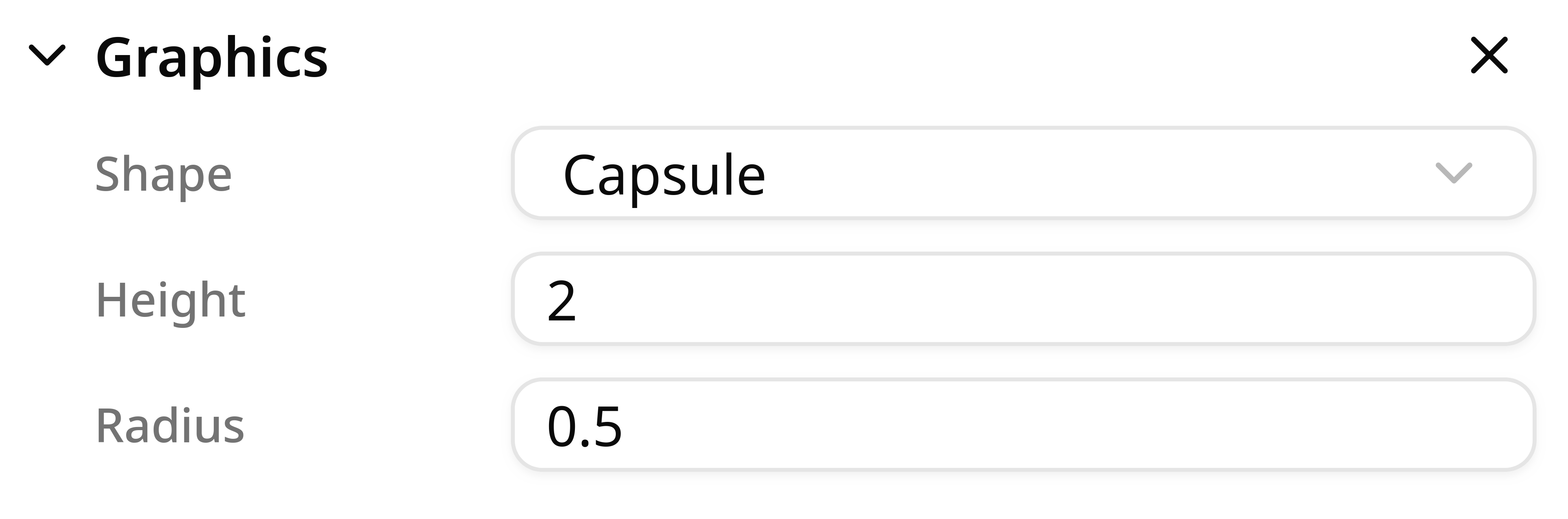
Shape
You can set various types of meshes depending on what you are aiming to do.
- Box: A uniform cube with the origin in the center of the object.
- Sphere: A sphere with uniform radius and centered at the center of the object.
- Capsule: A capsule-shaped mesh with uniform radius and centered at the center of the object.
- Cylinder: A cylinder with uniform radius and centered at the center of the object.
- Mesh: A customized imported mesh.
When importing 3D assets in the gltf or glb format, objects with an associated mesh automatically create a graphics component. The mesh type cannot be changed. To change the mesh type, remove the graphics component and add a new one with a custom mesh type.
Size
The size property is available only for primitive shapes. Use it to set the dimensions of simple shapes (box, sphere, capsule, cylinder). The available fields depend on the selected primitive:
- Box:
x,y,z(depth, width, height). - Sphere:
radius. - Capsule:
radius,height. Theheightshould be greater than 2 x radius to avoid a deformed capsule. - Cylinder:
radius,height - Mesh: Meshes don't expose size parameters. To change their dimensions, use the Transform component's scale.
Note
When resizing primitives, ensure the Transform scale of the object and all its parents is set to (1, 1, 1).
Material
The material defines the color and appearance of a mesh in the scene. When you import objects from .gltf, .glb, or STEP files, their materials become available here.
There are two material types:
- PBR materials (Physically Based Rendering)
- Standard materials
PBR Materials
Use PBR materials when you want a more realistic look. You can adjust:
- Metallic: how metallic the object appears (
0to1). - Roughness: how rough the surface appears (
0to1). - Alpha: transparency (
0to1). - Color: RGB, HSL, or HEX.
These properties help create scenes that better represent real-world objects.
Standard Materials
Standard materials are designed for fast visualization. They do not simulate physical properties such as metallic or roughness.
For standard materials, the only editable property is color (RGB, HSL, or HEX).
Editing materials
For quick edits, click the pencil icon to adjust material parameters directly in the Graphics component.
You can also click the down arrow and select Edit material to open material settings in the Settings section.
Note
When importing models, multiple meshes can share the same material. Editing one instance updates every mesh that uses that material.