Articulation
Connect models with articulated behavior using the articulation component
The articulation component provides a physical body with the ability to be connected to other physical bodies with articulated constraints.
Properties
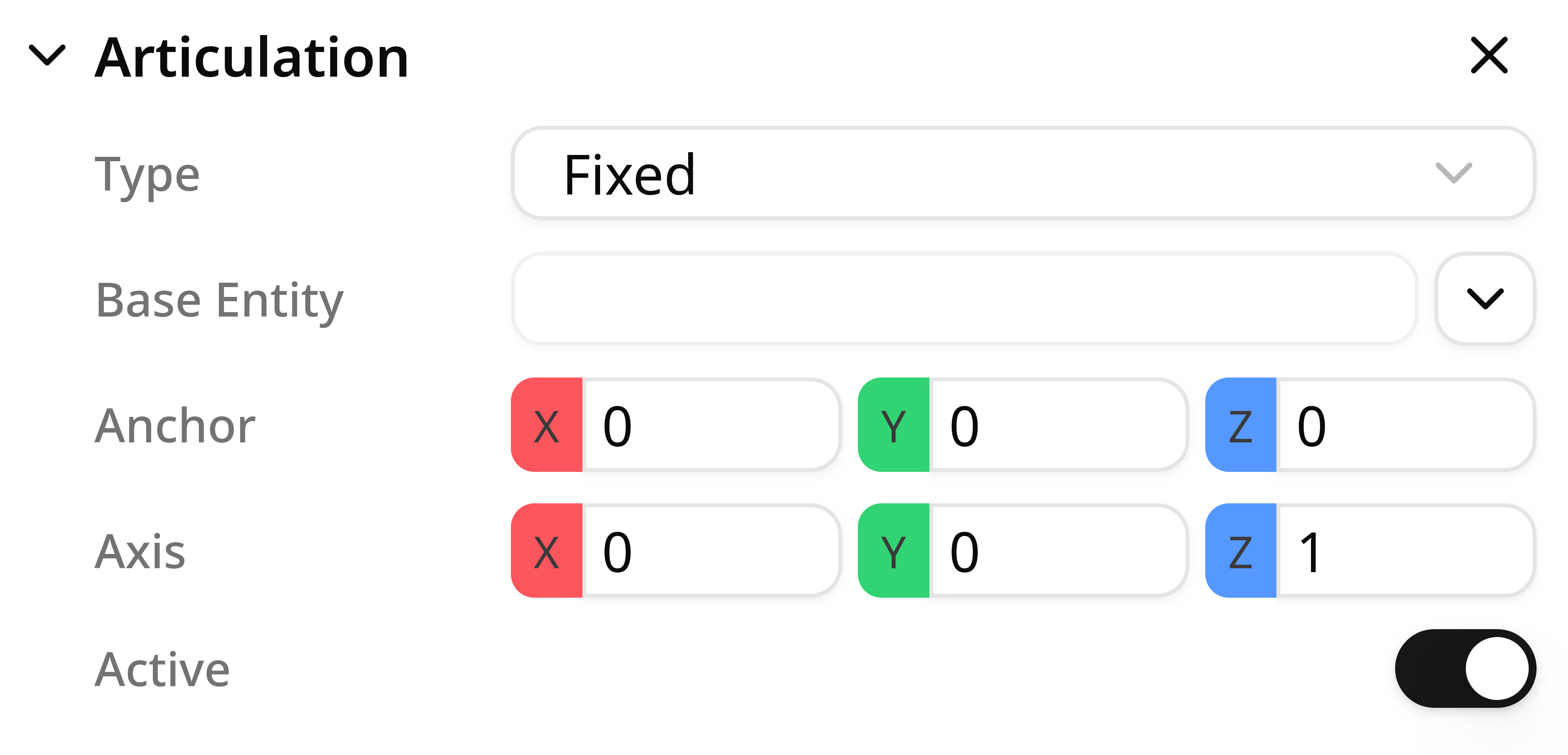
Type
The type of an articulation defines its behavior in a kinematic chain. There are three supported types:
- Fixed: the articulation is fixed to the base entity.
- Revolute: the articulation rotates around a given axis, using a user-defined anchor as the joint reference.
- Prismatic: the articulation translates along a given axis, using a user-defined anchor as the joint reference.
A serial chain can mix articulation types freely and can contain as many articulations as needed to match your design.
Base entity
Each kinematic chain is treated as a tree. To define the hierarchy correctly, you must set the base entity: the entity to which the current articulation is attached.
When selecting a base entity, the editor lists the objects that already have an Articulation component. Choose the one that the articulation you are creating should connect to.
Anchor
The anchor defines the base transform of the articulation you are creating (the joint reference frame).
- The anchor is defined in local space, meaning it is measured relative to the origin of the object where the articulation component is added.
Axis
The axis defines the local direction along which movement occurs:
- Revolute: the articulation rotates around the axis.
- Prismatic: the articulation translates along the axis.
The axis is interpreted in the object's local coordinate space.
Use the target icon to place the anchor and axis with the viewport gizmo. The gizmo helps you snap to candidate surface centers.
Axis direction and rotation sign
Axis direction affects movement direction for both prismatic and revolute joints.

For revolute joints, Studio uses a right-handed coordinate system:
- Point your right thumb in the positive axis direction.
- The curl of your fingers indicates the positive rotation direction.
Active
The active property controls whether the articulation has a motor attached.
If enabled, the articulation can be controlled through an Articulation Controller and program instructions. If disabled, the articulation follows the physics simulation without user control.
Initial position
The initial position defines the joint value used in edit mode.
This is useful when the neutral pose of your mechanism is not the joint's zero value. For example, if you build a robot and one joint starts offset from zero, you can store that offset here.
Lower and upper limits
Changing this parameter does not move the joint by itself. The initial position only defines the joint's stored starting value.
To test a joint configuration in edit mode and store the result as the new position, use the Articulation Tool.
Advanced
The advanced settings define parameters that matter for simulation fidelity.
Available parameters:
Maximum Torque: maximum motor effort applied by the articulation, measured inN-m.Lower Limit: minimum allowed joint value for revolute and prismatic joints, measured in degrees or meters respectively.Upper Limit: maximum allowed joint value for revolute and prismatic joints, measured in degrees or meters respectively.
Lower and upper limits
Adding joint limits can make previously reachable poses invalid, but it also makes the simulation behave more like the real mechanism.
Notes and best practices
Avoid large mass differences between connected dynamic bodies. Large mass ratios can cause visible jitter in articulated chains.
You can adjust mass properties in the Physics component page.