Articulation Tool
Inspect and store articulation joint configurations in edit mode
The Articulation Tool lets you inspect an articulated chain and test joint configurations during edit mode.
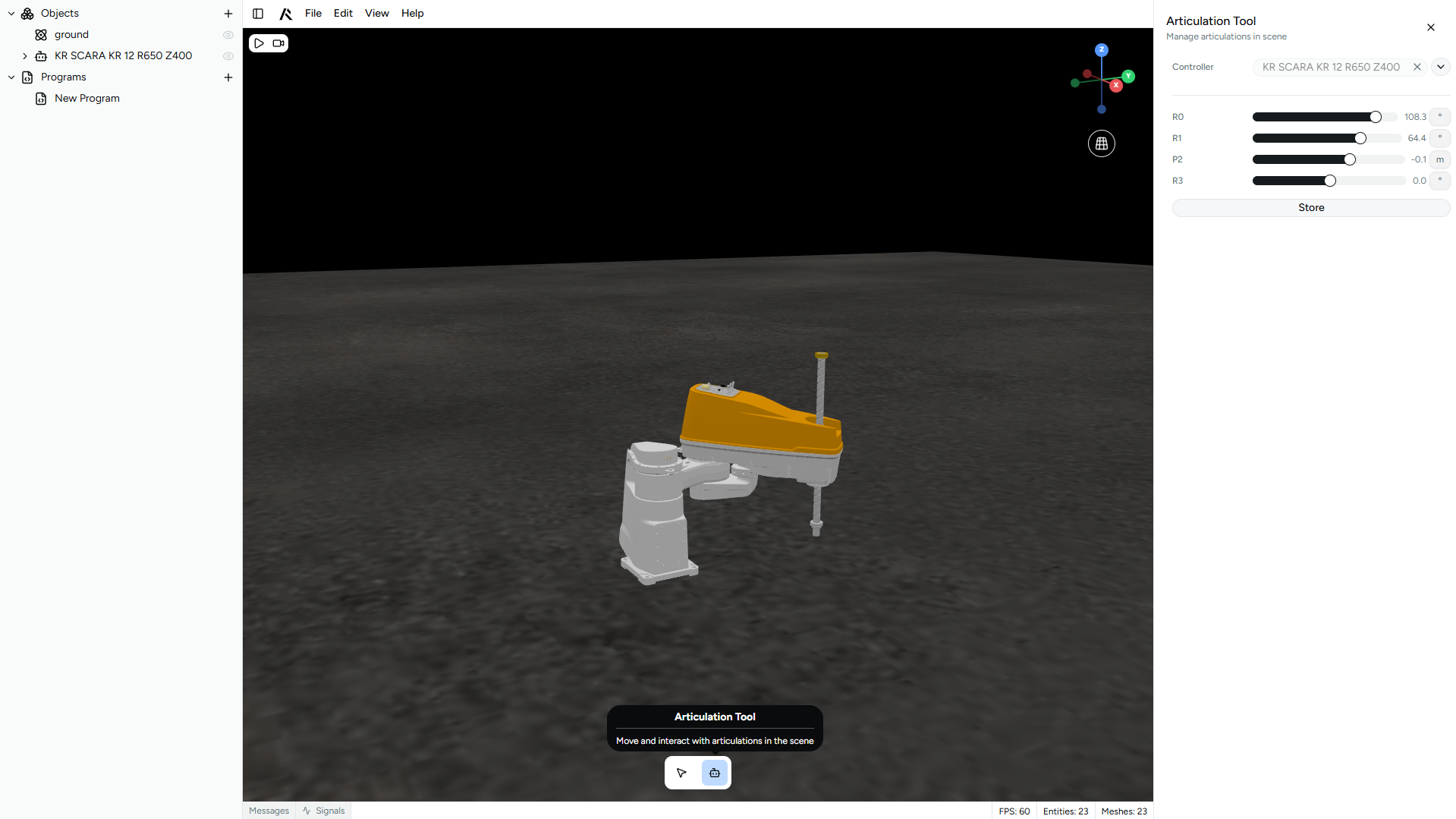
Fields
Controller
Select the Articulation Controller you want to inspect.
Joint values
The tool shows the current joint values for the selected articulation tree, taking into account each articulation's initial position and configured limits.
If no lower or upper limits are defined, slider-based editing is unavailable because the joint has no bounded range.
Storing a configuration
Use the tool to test different poses of an articulated body and decide which one should become its default edit-time configuration.
If you close the tool without storing, the articulated body returns to the state it had before the tool was opened.
If you store the configuration, the affected articulations update their initial position values to match the pose you defined in the tool.